Why Embed Reviews?
External review profiles (like G2 or localized directories) are great for discovery, but embedding reviews directly on your website is critical for conversion.
- Higher conversion rates: Reviews on product pages increase conversions by 18–270%.
- SEO benefits: Review content adds unique, keyword-rich text to your pages.
- Trust signals: Visitors see social proof without leaving your funnel.
- Data Ownership: Unlike other platforms, Reviewlee gives you full API access on every plan, so you can build custom displays that you actually own.
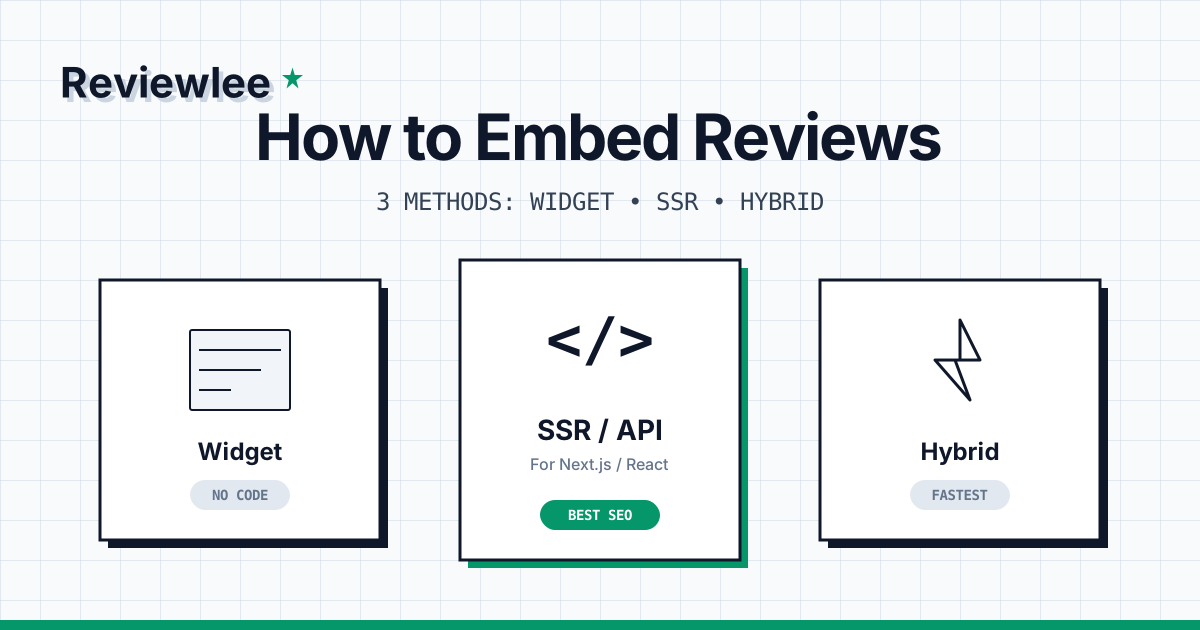
Let's explore three methods to get reviews on your site, ranging from "no-code" to "pro-code".
Method 1: The Copy-Paste Widget (No Code)
The fastest way to display reviews. Works on any website builder—Wix, Squarespace, WordPress, Webflow, or custom stacks.
Why use it?
It takes 5 minutes. The widget handles layout, responsiveness, and loads asynchronously so it doesn't block your page render.
Implementation
- Go to your Reviewlee Dashboard → Widgets.
- Choose a layout (Grid, Carousel, or List).
- Customize colors to match your brand.
- Paste this code where you want reviews to appear:
<!-- Reviewlee Widget -->
<div
  id="reviewlee-widget"
  data-form-id="YOUR_FORM_ID"
  data-layout="grid"
  data-theme="light"
></div>
<script src="https://cdn.reviewlee.com/widget.js" async></script>
✅ Pros:
- Zero dev time
- Automatic updates (reviews appear instantly)
- Mobile responsive
❌ Cons:
- Limited design customization
- Less SEO power (content is rendered via JS)
Method 2: Server-Side Rendering (Next.js / React)
For developers who want perfect SEO and pixel-perfect design control.
Since Reviewlee provides a robust JSON API on all plans, you can fetch reviews on the server and render them as standard HTML. This puts the content directly in the DOM for search engines to index.
Why use it?
You want your reviews to look exactly like the rest of your UI, and you want Google to treat them as part of your page content.
Implementation (Next.js App Router)
First, fetch the data in a Server Component:
// app/page.tsx
import { ReviewCard } from "@/components/review-card";

async function getReviews() {
  const res = await fetch(
    `https://api.reviewlee.com/api/v1/reviews?formId=${process.env.REVIEWLEE_FORM_ID}&status=approved`,
    {
      headers: { Authorization: `Bearer ${process.env.REVIEWLEE_API_KEY}` },
      next: { revalidate: 3600 } // Revalidate every hour
    }
  );

  if (!res.ok) throw new Error('Failed to fetch reviews');
  return res.json();
}

export default async function Page() {
  const { data: reviews } = await getReviews();

  return (
    <section aria-labelledby="reviews-title" className="py-12">
      <h2 id="reviews-title" className="text-2xl font-bold mb-8">
        Customer Stories
      </h2>

      <div className="grid grid-cols-1 md:grid-cols-3 gap-6">
        {reviews.map((review) => (
          <ReviewCard key={review.id} review={review} />
        ))}
      </div>

      {/* Add Schema.org JSON-LD for Rich Snippets */}
      <script
        type="application/ld+json"
        dangerouslySetInnerHTML={{
          __html: JSON.stringify({
            "@context": "https://schema.org",
            "@type": "Product",
            "aggregateRating": {
              "@type": "AggregateRating",
              "ratingValue": "4.9",
              "reviewCount": reviews.length
            }
          })
        }}
      />
    </section>
  );
}
✅ Pros:
- 100% SEO Indexable
- Zero layout shift (CLS)
- Complete visual control
- Lightweight (no external scripts)
❌ Cons:
- Requires development effort
- Updates depend on your cache revalidation strategy
Method 3: Hybrid (Static + Real-Time)
The best of both worlds: Pre-render reviews at build time for SEO and speed, then "hydrate" or check for new reviews client-side to keep content fresh.
Why use it?
You're using a static site generator (SSG) or want the speed of static HTML but the freshness of a widget.
Implementation
- Build Time: Fetch existing reviews and bake them into the HTML (like Method 2).
- Run Time: Use
SWRorReact Queryto check for updates in the background.
"use client";

import useSWR from 'swr';
import { ReviewCard } from "./review-card";

// Fetcher function
const fetcher = (url) => fetch(url).then((res) => res.json());

export function HybridReviews({ initialReviews }) {
  // Use initialReviews as specific fallback data
  const { data } = useSWR('/api/reviews/latest', fetcher, {
    fallbackData: initialReviews,
    refreshInterval: 60000
  });

  const reviews = data?.reviews || initialReviews;

  return (
    <div className="grid gap-4">
      {reviews.map((review) => (
        <ReviewCard key={review.id} review={review} />
      ))}
    </div>
  );
}
✅ Pros:
- Fast initial load (LCP)
- Always up-to-date
- SEO friendly
❌ Cons:
- Most complex implementation
- Two data sources to manage
Comparison Matrix
| Feature | Widget (Method 1) | API / SSR (Method 2) | Hybrid (Method 3) |
|---|---|---|---|
| Setup Time | < 5 mins | 1–2 hours | 2–4 hours |
| SEO Impact | Low | ⭐ High | ⭐ High |
| Design Control | Limited | ⭐ Total | ⭐ Total |
| Performance | Good | ⭐ Best | Good |
| Req. Maintenance | None | Low | Medium |
Final tip: Don't forget the Schema
Regardless of which method you choose, generating Structured Data (JSON-LD) is the secret sauce for getting those gold star ratings in Google Search results.
If you use Method 1 (Widget), Reviewlee attempts to inject this for you. If you use Method 2 or 3 (API), you have full control to construct the perfect schema markup for your specific product or service.
Ready to build? Read our API Documentation or sign up for a free account to get your API keys.