The Problem with "Widgets"
Most review platforms treat your website like a billboard for their brand. They give you a rigid <iframe> or a heavy JavaScript widget that:
- Drags down your Lighthouse score with third-party scripts.
- Clashes with your design system (wrong fonts, wrong colors).
- Acts as a trojan horse to drive traffic back to their platform, not yours.
At Reviewlee, we believe reviews are infrastructure. We provide the database, the collection forms, and the verification engine—but how you display that data should be up to you.
Why Go Headless?
By using the Reviewlee API ("Headless Reviews"), you get:
- Zero Layout Shift: Render reviews on the server (SSR/RSC) for instant paint.
- Perfect Branding: Use your own CSS/Tailwind classes.
- SEO Supremacy: Reviews are part of your HTML, not injected by JS after load.
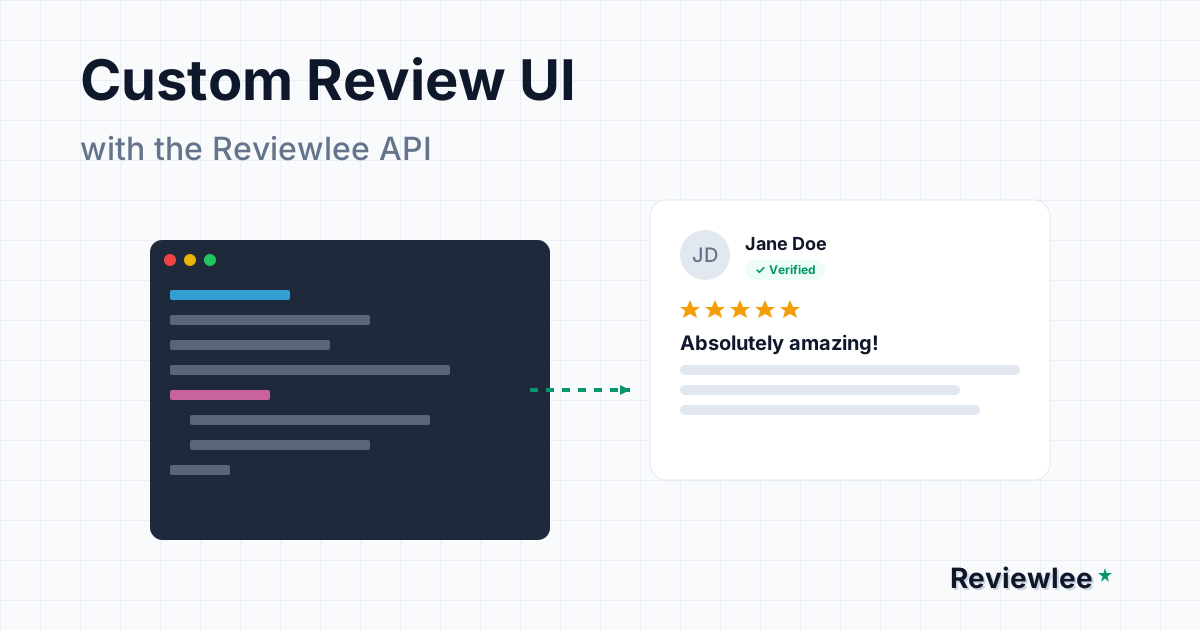
Let's build a custom review component using Next.js 16 and Tailwind CSS.
Prerequisites
- A Reviewlee account (Free or Pro).
- Your public API key (found in Settings > API).
- A Next.js project (though this works with Remix, Astro, etc.).
Step 1: Fetching Reviews (Server-Side)
In Next.js App Router, we fetch data directly in our Server Component. This ensures search engines see the reviews immediately.
// lib/api.ts
import { notFound } from "next/navigation";

export interface Review {
  id: string;
  rating: number;
  title: string;
  body: string;
  author_name: string;
  verified: boolean;
  created_at: string;
}

export async function getReviews(formId: string) {
  const res = await fetch(
    `https://api.reviewlee.com/api/v1/reviews?formId=${formId}&status=published`,
    {
      headers: {
        // Use your public key if fetching from client,
        // or secret key if proxying/fetching from server.
        Authorization: `Bearer ${process.env.REVIEWLEE_API_KEY}`,
      },
      next: { revalidate: 3600 }, // Cache for 1 hour
    }
  );

  if (!res.ok) {
    if (res.status === 404) return [];
    throw new Error("Failed to fetch reviews");
  }

  const data = await res.json();
  return data.reviews as Review[];
}
Step 2: The Review Card Component
Now, let's build the UI. We'll use lucide-react for the stars and Tailwind for styling.
// components/review-card.tsx
import { Star, CheckCircle2 } from "lucide-react";
import { cn } from "@/lib/utils";
import type { Review } from "@/lib/api";

export function ReviewCard({ review }: { review: Review }) {
  return (
    <div className="p-6 rounded-xl bg-card border border-border shadow-sm">
      {/* Header: Author & Date */}
      <div className="flex items-center justify-between mb-4">
        <div className="flex items-center gap-2">
          <span className="font-semibold text-foreground">{review.author_name}</span>
          {review.verified && (
            <span className="flex items-center gap-1 text-xs font-medium text-emerald-600 bg-emerald-50 px-2 py-0.5 rounded-full">
              <CheckCircle2 className="w-3 h-3" />
              Verified Customer
            </span>
          )}
        </div>
        <time className="text-sm text-muted-foreground">
          {new Date(review.created_at).toLocaleDateString("en-US", {
            year: "numeric",
            month: "short",
            day: "numeric",
          })}
        </time>
      </div>

      {/* Rating */}
      <div className="flex gap-0.5 mb-3" aria-label={`${review.rating} out of 5 stars`}>
        {[1, 2, 3, 4, 5].map((star) => (
          <Star
            key={star}
            className={cn(
              "w-4 h-4",
              star <= review.rating
                ? "fill-amber-400 text-amber-400"
                : "fill-muted text-muted"
            )}
          />
        ))}
      </div>

      {/* Content */}
      <h3 className="font-bold text-lg mb-2">{review.title}</h3>
      <p className="text-muted-foreground leading-relaxed">{review.body}</p>
    </div>
  );
}
Step 3: Integration & JSON-LD
Finally, integrate it into your page and add the crucial Structured Data for Google.
// app/reviews/page.tsx
import { getReviews } from "@/lib/api";
import { ReviewCard } from "@/components/review-card";

export const metadata = {
  title: "Customer Reviews",
  description: "See what our customers have to say.",
};

export default async function ReviewsPage() {
  const reviews = await getReviews("your-form-id");
  const averageRating =
    reviews.reduce((acc, r) => acc + r.rating, 0) / reviews.length;

  // Google Rich Snippet Data
  const jsonLd = {
    "@context": "https://schema.org",
    "@type": "Product",
    name: "Acme SaaS Platform",
    aggregateRating: {
      "@type": "AggregateRating",
      ratingValue: averageRating.toFixed(1),
      reviewCount: reviews.length,
    },
  };

  return (
    <section className="container py-12">
      <script
        type="application/ld+json"
        dangerouslySetInnerHTML={{ __html: JSON.stringify(jsonLd) }}
      />

      <h1 className="text-4xl font-extrabold tracking-tight mb-8">
        Loved by {reviews.length}+ Developers
      </h1>

      <div className="grid md:grid-cols-2 lg:grid-cols-3 gap-6">
        {reviews.map((review) => (
          <ReviewCard key={review.id} review={review} />
        ))}
      </div>
    </section>
  );
}
Conclusion
By taking control of the UI, you ensure your reviews build trust for you, not for the review platform.
This approach is:
- Faster: No heavy 3rd party JS.
- Cleaner: Matches your brand perfectly.
- Smarter: Full SEO credit goes to your domain.
Ready to build? Get your API Key from the Dashboard and start shipping.